



Short answer: the right hardware depends on what games you actually own. If you have a pile of cartridges from several consoles, an all-in-one device or a multi-system cartridge reader covers the most ground. If everything in your closet is Game Boy, or everything is SNES, a single-system dumper does the job for a third of the cost or less. If your games are on disc, cartridge hardware won’t help at all.
This guide compares the hardware people use to back up their own games to a PC or Android device across three factors: supported systems, effort, and price. It is a buying guide, not a step-by-step tutorial. The goal is to help you decide what to buy in about fifteen minutes.
Everything here assumes one thing: you dump games you physically own, and you play the copies yourself. This article does not cover ROM download sites or where to get ROMs. The reasons are laid out in the legal section at the end.
- Bottom Line: Your Game Collection Decides the Hardware (Quick Comparison Table)
- Retro Freak: The All-in-One Cartridge Console
- Single-System Dumpers and USB Readers: Cheaper If You Only Need One System
- Disc-Based Games and BIOS Files: Optical Drives and Capture Cards
- What You Need After Dumping: microSD, Card Reader, and a Place to Play
- Summary: Final Recommendations and a Legal Check Before You Buy
Bottom Line: Your Game Collection Decides the Hardware (Quick Comparison Table)
Here is the overview first. Read the table with your own collection in mind. Prices are rough references converted from Japanese retail prices (about ¥150 per US dollar) as of September 2026. Actual prices vary by region, retailer, and exchange rate.
| Type | Example hardware | System coverage | Effort | Approx. price (reference) | Best for |
|---|---|---|---|---|---|
| All-in-one | Retro Freak (Japan-market, import) | Wide: NES, SNES, Genesis, Game Boy family, PC Engine and their Japanese versions | Low to play; dumping to PC needs extra steps | Around $130+ (import pricing varies) | People with cartridges from several systems |
| Game Boy dumper | GB Operator, Joey Jr, and similar | Narrow: GB/GBC, some models GBA | Low: USB plus a companion app | About $40–80 | Handheld-only collections, save preservation |
| USB cartridge reader | Retrode 2 and similar | Medium: SNES and Genesis, more with adapters | Low to medium: shows up like a USB drive | Around $65 (hard to find new) | Home-console cartridges on a PC |
| Open-source / DIY | OSCR (Open Source Cartridge Reader) | Widest of the group | High: assembly and soldering unless pre-built | About $65–135 depending on kit | Collectors of less common systems, hobbyists |
| Optical drive | External DVD/Blu-ray drive | Disc-based games only | Low to medium: plug into a PC | About $20–40 | PS1, Sega Saturn, Sega CD, TurboGrafx-CD owners |
| HDMI capture | USB capture card | Not a dump; records video | Low to medium: connect to the console | About $25–100 | Recording or streaming real-hardware play |
In Japan, the usual advice is “if in doubt, get a Retro Freak.” For North American buyers it is less clear-cut, because the Retro Freak is a Japan-market product that usually has to be imported. A pre-built OSCR is the realistic multi-system alternative outside Japan, at the cost of a less polished experience. Whatever you choose, remember one limitation: no cartridge device reads CD-based games.
Retro Freak: The All-in-One Cartridge Console
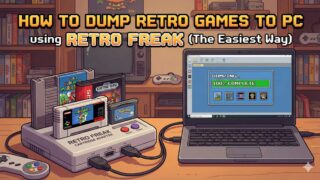
The Retro Freak, made by the Japanese company Cyber Gadget, combines a retro clone console and a cartridge reader in one unit. You insert a cartridge and can play it on your TV right away, or use the menu’s “install” feature to copy the game to the console’s microSD card so you can play it later without the cartridge.
One point is often misunderstood, so it is worth stating plainly. The install feature is designed for playing on the Retro Freak itself. Don’t assume the files it writes to microSD are standard ROM files you can drop into an emulator on your PC or phone. To create standard ROM files, the common approach is to detach the cartridge adapter from the back of the unit, connect it to a PC over USB, and dump the cartridge with dumper software on the PC. That process involves drivers and setup and is covered in a separate how-to guide on this site; this article focuses on whether the device is worth buying.
It is sold mainly in Japan, so North American buyers typically need to import it. Stock and prices fluctuate, and it is not an item worth chasing at inflated prices.
Supported Systems
Between the main unit and its cartridge adapter, the Retro Freak handles NES, SNES, Genesis (Mega Drive), Game Boy, Game Boy Color, Game Boy Advance, and PC Engine (TurboGrafx-16) cartridges, along with their Japanese counterparts such as the Famicom and Super Famicom. Some formats require a separately sold converter depending on the package. Its strength is covering many cartridge systems with one device.
Pros
- Reliable reads. With clean contacts, most cartridges read on the first try
- You can play without dumping at all. It works as a clone console with HDMI output and save support
- No PC needed if you only want to play on the Retro Freak. Installing to microSD happens entirely on the console
- Standard ROM files are possible through the detachable adapter and a PC, so one purchase covers both playing and backing up
Cons (Know These Before Buying)
- No CD-based games. It cannot handle TurboGrafx-CD / PC Engine CD-ROM², Sega CD, PS1, or Sega Saturn discs
- Japan-market availability. Importing adds shipping and cost, and stock comes and goes. Don’t rush when prices spike
- Some special-chip cartridges may not dump. SNES games with enhancement chips such as the SA-1 (Super Mario RPG, for example) may fail through the adapter. A dedicated dumper such as the OSCR is the usual fallback
- Clean the contacts first. Thirty-year-old cartridges have oxidized contacts. Clean them with isopropyl alcohol and a cotton swab before assuming a cartridge is dead. This alone fixes most read failures
- It needs a microSD card for setup and installed games, and not every package includes one
Single-System Dumpers and USB Readers: Cheaper If You Only Need One System
If the box you found in the attic holds nothing but Game Boy games, paying for a multi-system device makes little sense. Narrowing down to one system can cut the cost to a third or less.
Game Boy Dumpers (GB/GBC/GBA)
The GB Operator and Joey Jr are the common examples. You connect them to a PC over USB and dump the cartridge through a companion app. Supported systems vary by model and firmware: all cover Game Boy and Game Boy Color, and some also handle Game Boy Advance. The practical highlight is that they can back up and restore save data, so you can pull the save file you made decades ago and continue it in an emulator.
If a cartridge’s save battery is close to dying, this type of device lets you rescue the save before it is lost. If protecting your old saves is what you care about most, a Game Boy dumper can be a better choice than an all-in-one device.
USB Cartridge Readers (Retrode 2 and Similar)
This type appears on your PC much like a USB flash drive, with the cartridge contents shown as files. The Retrode 2 supports SNES and Genesis cartridges out of the box, and adapters extend it to other systems, including the Game Boy family. It is simple and quick to use, but as of September 2026 new units are hard to find and used prices are inconsistent. Treat it as something to pick up if you come across one, not something to plan around.
OSCR (Open Source Cartridge Reader)
The OSCR is an open-source cartridge reader based on the Arduino Mega. Its system coverage goes beyond commercial devices, reaching as far as the N64, Virtual Boy, and WonderSwan. The trade-off is that a kit requires board assembly, soldering, and flashing firmware, which makes it firmly an advanced-user project. If electronics isn’t already a hobby of yours, a kit is not a good starting point. Pre-assembled units are also sold, which makes the OSCR the most practical multi-system option outside Japan, but don’t expect the kind of customer support a commercial product offers.
Disc-Based Games and BIOS Files: Optical Drives and Capture Cards
This is where many people buy the wrong hardware, so to be clear: PS1, Sega Saturn, Sega CD, and TurboGrafx-CD discs cannot be read by any cartridge dumper. What you need is an optical drive.
What You Need to Back Up Discs
- An external DVD drive (about $20–40 as a reference). Most titles read fine in an ordinary drive
- The dump itself is done with software on the PC, and the result is typically saved as a disc image such as CUE+BIN
- However, some discs with unusual copy protection may not read correctly, and results can vary by drive. No drive is guaranteed to handle every disc
Systems That Also Need a BIOS
For the PS1, Sega Saturn, Sega CD, and TurboGrafx-CD / PC Engine CD-ROM² (which uses a System Card), dumping the disc is not enough. Emulating them also requires the console’s BIOS. The rule is the same as for games: dump the BIOS from hardware you own. Picking up a copy someone else has posted online is not acceptable. This site has a separate guide on dumping the PC Engine CD-ROM² BIOS.
The Option to Not Dump at All: HDMI Capture
If your real goal is to record your gameplay or stream it, you don’t need to dump anything. Convert the console’s video output to HDMI and run it through a capture card, and your PC records it as video. Because no game data is copied, this is the cleanest route from a legal standpoint.
Only three things matter when choosing one: (1) HDMI passthrough, so you can play on the TV without capture lag, (2) whether it runs on USB power, and (3) 4K input, which retro games don’t need. For retro use, an inexpensive card with passthrough is enough.
What You Need After Dumping: microSD, Card Reader, and a Place to Play
If you buy a dumper without thinking about where the data will live, you will get stuck on day one. Plan for these as well.
microSD Card
The Retro Freak uses a microSD card for installed games, and handheld devices and phones typically use one for your backups too. 64GB is plenty. Cartridge-era games range from a few hundred kilobytes to a few dozen megabytes each, far smaller than disc images. What matters more is buying a genuine card from a reputable brand. Cheap high-capacity cards include counterfeits with fake capacity, and those can silently corrupt your backups later.
If you plan to play on an Android device, also check the free space on the device itself. Disc-based systems take more space, but a cartridge-only library is small.
Card Reader
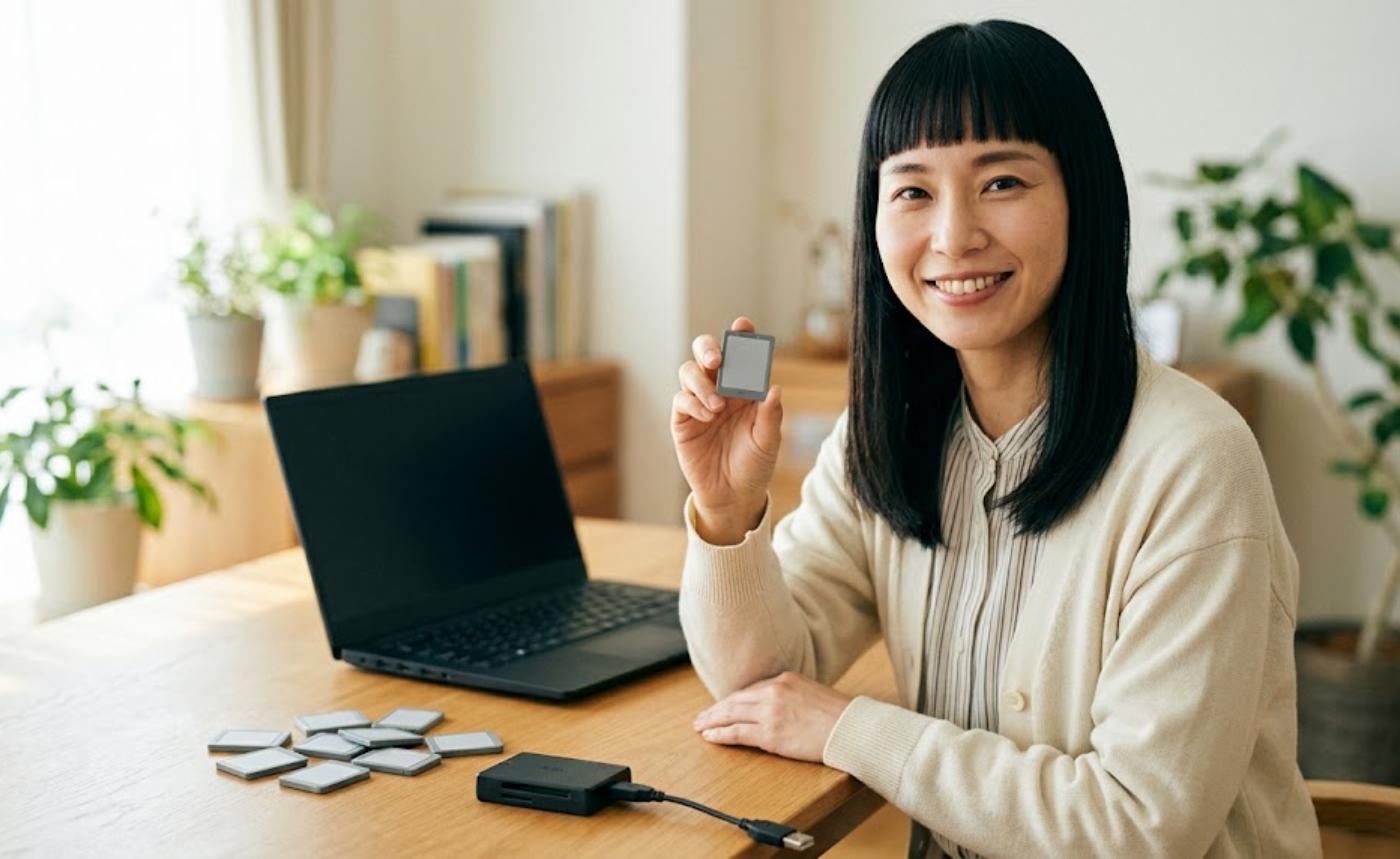
You need one to move data between the microSD card and your PC. Many laptops no longer have an SD slot, so a reader with both USB-C and USB-A connectors is the most flexible. Some models also plug straight into a phone, which lets you move files to an Android device without a PC.
Where You’ll Play
Each system has its own well-established emulators on PC and Android, and setup steps differ by system. Decide which system you want to play first and read a setup guide for that emulator before dump day, so you are not figuring it out with a freshly dumped file in hand. For phones, it helps to choose apps based on your device’s performance.
Summary: Final Recommendations and a Legal Check Before You Buy
Final Recommendations by Situation
| Your situation | What to buy |
|---|---|
| Cartridges from several systems in the closet | Pre-built OSCR, or a Retro Freak if you are willing to import (plus a 64GB microSD card) |
| Game Boy family only, and you want to keep your saves | Game Boy dumper |
| SNES or Genesis cartridges on a PC | USB cartridge reader (if you can find one) |
| Every system including less common ones, or you enjoy electronics | OSCR |
| PS1, Saturn, or other disc-based games | External optical drive (plus a BIOS dumped from your own console) |
| You only want to record or stream your gameplay | HDMI capture card with passthrough |
The Legal Line to Check Before Buying
If you buy hardware without being clear on this, it can end up being a purchase you can’t actually use. The five points below are the lines drawn under Japanese law, where the author is based, as of 2026.
- Dumping a game you own, by yourself, and playing it only yourself is treated in Japan as private copying. This is the only use this article assumes
- Giving, uploading, or selling a dumped ROM to anyone else is clearly not allowed. That includes family and friends
- Downloading ROMs posted online is also not allowed. Knowingly downloading an illegally uploaded file is illegal downloading
- Keeping a ROM after you sell or give away the original game is not a gray area; it leans firmly toward illegal. When the game goes, delete the data too
- Copying in a way that circumvents technical protection measures (copy protection) is not permitted, even for private use
The law where you live may be stricter than this. In the United States, Section 1201 of the Digital Millennium Copyright Act (DMCA) prohibits circumventing technical protection measures, and whether making personal backups of console games is lawful has not been clearly settled. The safe principle is simple: dump games you legally own, keep the copies to yourself, and never distribute them. This is general information, not legal advice.
In short, these devices are for people who own the hardware and the games and want to build their own setup. If your plans fall outside that, you don’t need to buy any of this.
One last recap. Several cartridge systems: a multi-system reader. One system: a dedicated dumper. Discs: an optical drive. Those three choices settle it for most people. Back up your games while they still work. Cartridge save batteries and the data layers on discs both have a limited lifespan.

コメント