



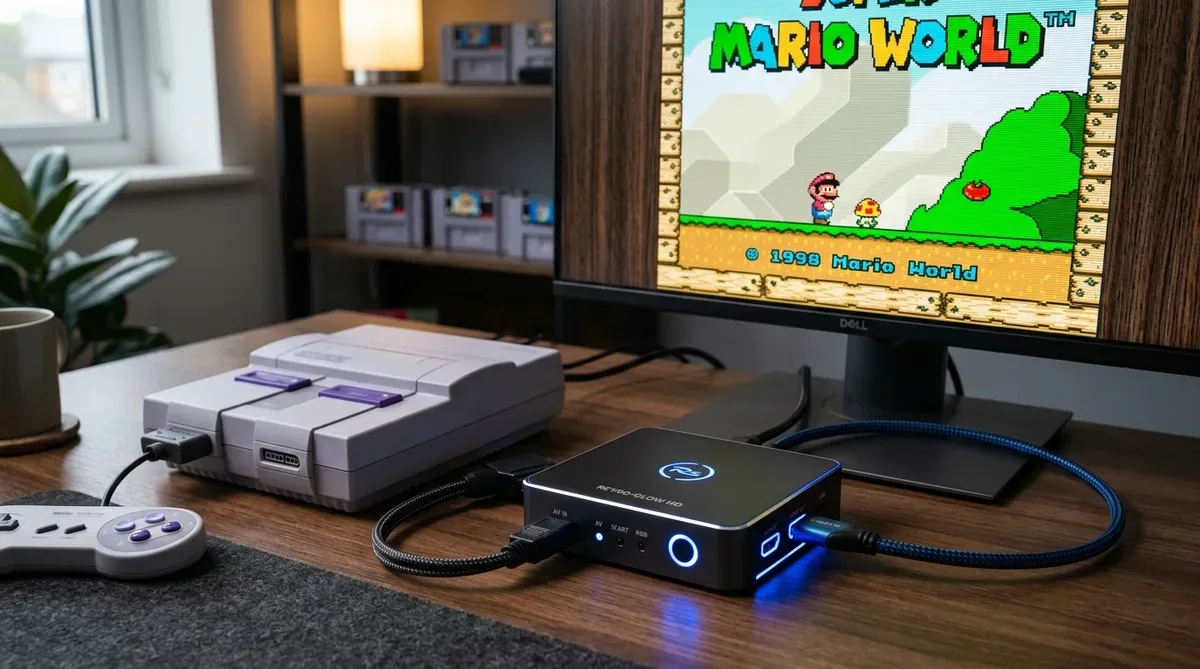
Have you ever plugged your classic SNES, PlayStation 2, Sega Saturn, or N64 into a modern 4K TV, only to find: “There are no yellow/red/white RCA ports,” “Cheap adapters blur text and pixel art terribly,” or “Input lag delays character jumps making games unplayable”?
To enjoy retro games comfortably on modern 4K TVs and PC monitors, using a dedicated retro gaming HDMI converter that keeps latency under 1 frame and maintains the 4:3 aspect ratio is essential.
In this guide, based on real testing across retro consoles (SNES, PS2, GameCube) and modern displays, we explain why TV lag occurs, how to choose the right adapter, and our top 5 recommended models for 2026.
Why Direct TV Connection Fails: Causes of Lag & Blurriness
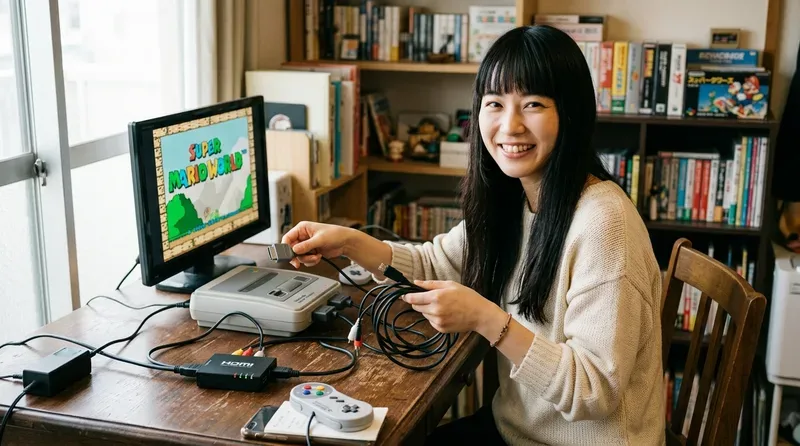
Retro consoles output low-resolution analog signals (240p / 480i). Modern 4K TVs perform heavy deinterlacing and scaling internally, introducing 100ms+ (3 to 6 frames) of unplayable input lag.
| Adapter Type | Pixel & Text Quality | Input Latency | Recommendation |
|---|---|---|---|
| Cheap RCA to HDMI Adapter | × Extremely blurry & unreadable | × 100ms+ (High Lag, Unplayable) | ★☆☆☆☆ (Not Recommended) |
| Dedicated Low-Latency HDMI Converter | ◎ Crisp, razor-sharp pixel art | ◎ Under 1 Frame (Zero-lag feel) | ★★★★★ (Top Choice) |
Aspect Ratio Retention (4:3 vs 16:9)
Retro games were designed for 4:3 square aspect ratios. High-quality HDMI converters feature a 4:3 / 16:9 toggle switch to prevent ugly horizontal stretching.
3 Essential Criteria for Choosing a Retro HDMI Converter
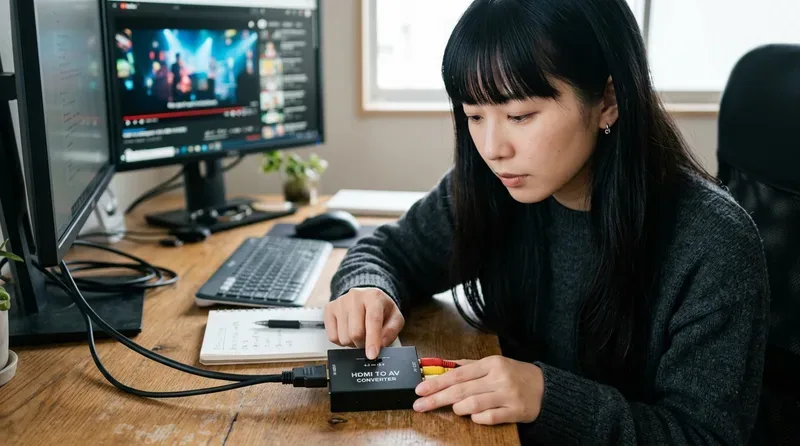
- Sub-1 Frame Latency: Choose low-latency models with dedicated pass-through processing.
- Aspect Ratio Toggle: Ensure physical 4:3 / 16:9 mode switches.
- Console Compatibility: Select multi-RCA/S-Video units for general use or direct cable adapters for specific consoles.
Top Recommended Retro Gaming HDMI Converters for 2026

- Retro5 4K Converter: Flagship 4K upscaler with CRT scanline simulation and zero lag.
- Hyperkin HDTV Cable Series: Console-specific direct HDMI cables with built-in 4:3 switches.
- Sanwa Supply RCA to HDMI Converter: Reliable universal analog converter for multiple classic systems.
Conclusion: Enjoy Classic Retro Games on Big Screens Without Lag
By installing a dedicated low-latency HDMI converter, your favorite retro titles come back to life with razor-sharp graphics on modern TVs. Pick the right converter for your console and enjoy classic gaming to the fullest!
コメント