





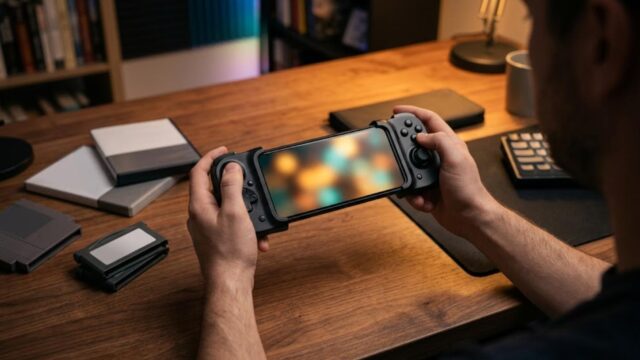





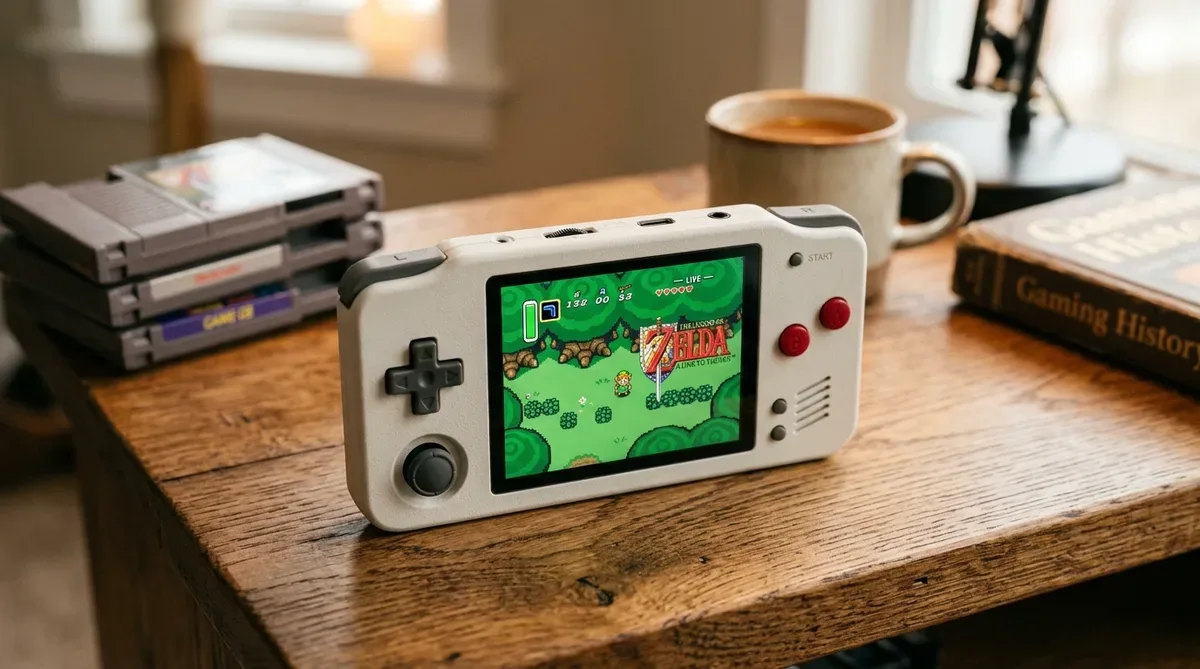
The “Anbernic RG35XX H” has gained immense popularity among retro gaming enthusiasts worldwide. Combining a nostalgic horizontal handheld form factor with modern performance, it serves as an excellent portable emulation device.
In this guide, we walk you through the step-by-step initial setup, system language configuration, retro emulator optimization, and essential tips for getting the best gaming experience out of your RG35XX H in 2026.
1. What is Anbernic RG35XX H? Overview & Key Features
Featuring dual analog sticks, a 3.5-inch IPS display, and robust H700 quad-core chipset, the RG35XX H comfortably runs classic systems up to PS1, N64, and PSP.
2. Initial System Setup & Language Configuration
Upon booting for the first time, navigate to System Settings -> Language and select English. Ensure your microSD card is formatted to FAT32 or exFAT for optimal ROM loading stability.
3. Recommended Emulator & Performance Tweaks
- Display Scaling: Set aspect ratio to integer scaling or 4:3 for crisp pixel art rendering without distortion.
- RetroArch Core Selection: Use PCSX ReARMed for PS1 games and Mupen64Plus-Next for N64 titles to achieve smooth 60fps performance.
4. Conclusion
With proper initial configuration, the Anbernic RG35XX H is one of the best portable retro gaming devices available in 2026.
コメント