


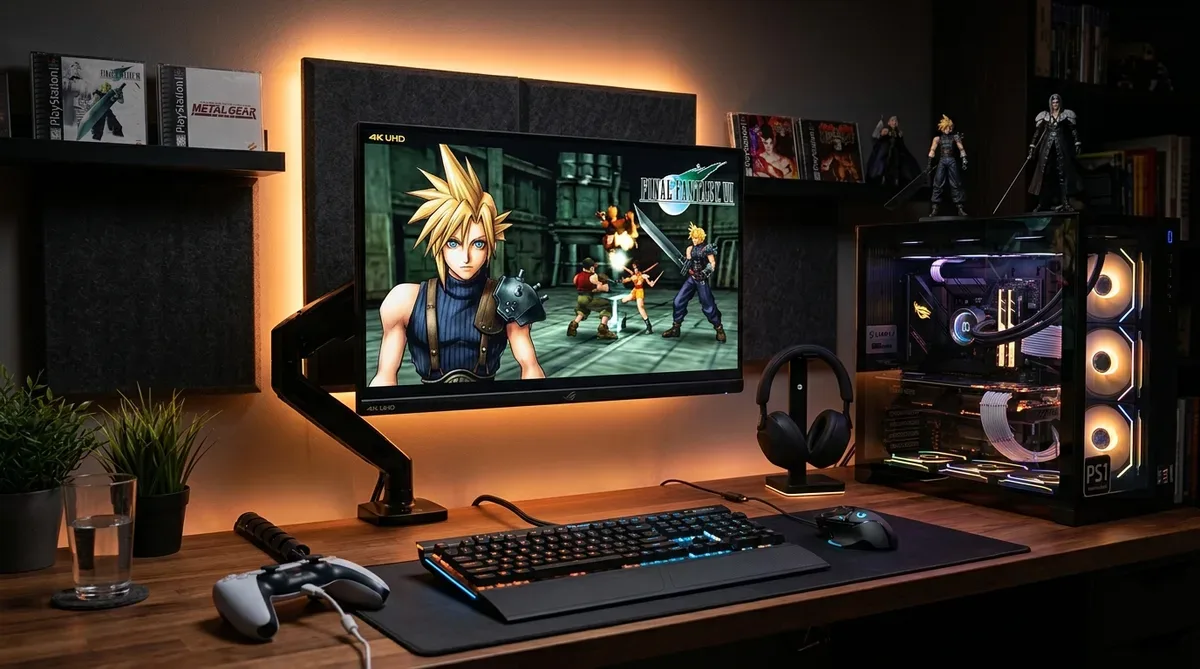
Have you ever wanted to replay classic PlayStation 1 (PS1) masterpiece RPGs, fighting games, or racing titles on modern PC environments with crisp 4K resolution? The premier next-generation PS1 emulator “DuckStation” allows you to upscale internal resolution to 4K (3840×2160) or higher, delivering razor-sharp polygon graphics without complicated plugins.
In this guide, based on our real hands-on experience configuring retro emulators, we cover DuckStation initial setup, BIOS configuration, 4K rendering settings, PGXP geometry correction to fix polygon wobbling, and USB controller mapping.
[Preparation] DuckStation Download & Initial Setup

Download and Extract Program
Download the latest release zip for Windows from the official GitHub release page, extract it, and place it in your preferred folder.
Safe BIOS Directory Configuration
Open [Settings] ➔ [BIOS] in DuckStation and select the directory containing your PS1 BIOS files (e.g., `scph1001.bin`). Now you are ready to boot game images (BIN/CUE/ISO).
[Graphics Guide] 4K Upscaling & Enhancement Settings
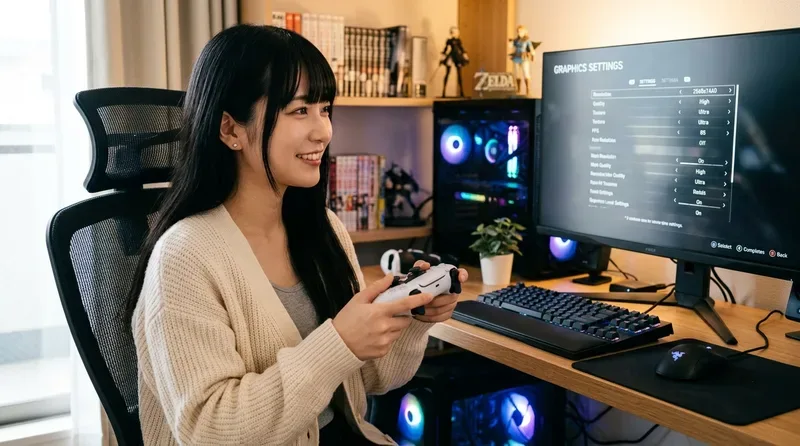
Change Internal Resolution Scale to 4K (9x resolution)
Navigate to [Settings] ➔ [Graphics], choose [Vulkan] or [Direct3D 11] renderer, and set Internal Resolution Scale to “9x (for 4K 2160p)”.
| Internal Resolution Scale | Effective Output | Polygon Sharpness & Quality | Recommended PC Specs |
|---|---|---|---|
| 1x (PS1 Native) | 240p / 480i | × Significant jaggies & blurriness | Laptops / Low-spec PCs |
| 9x (4K Ultra HD) | 3840 × 2160 (4K) | ◎ Crisp, razor-sharp modern quality | Mid-spec to Gaming PCs |
Fix Polygon Wobbling with PGXP Geometry Correction
In the [Graphics] settings under the [PGXP] tab, enable “Geometry Correction”. This dramatically fixes classic PS1 3D polygon wobbling and texture distortion for perfect 3D rendering.
Gamepad Configuration & Save Management

- Automatic Controller Mapping: Open [Settings] ➔ [Controller] and map your 8BitDo, PS5 DualSense, or Xbox controller automatically.
- Save States Shortcuts: Press [F1] for instant Quick Save and [F3] for Quick Load during gameplay.
Conclusion: Enjoy Classic PS1 Masterpieces in Stunning 4K
DuckStation combines beginner-friendly setup with astonishing 4K graphics rendering. Configure your setup today and relive classic PS1 memories in crystal clear quality!
コメント