







Your PS2 discs are in a closet somewhere, and the phone in your pocket is several times faster than the console ever was. In 2026, closing that gap is genuinely straightforward: pick the right emulator, set three options correctly, and most of the library runs at full speed. This guide covers the app to use, the settings that actually matter, what to do when a game stutters, and which Android hardware is worth your money.
- The short answer: NetherSX2 + Vulkan + a Snapdragon 8-class chip
- First, the legal part: BIOS and games come from your own PS2
- Installing NetherSX2 and getting through first-run setup
- The graphics settings that actually matter
- When games stutter: fixes in order of likelihood
- Hardware: SoC tiers, handhelds, and gear worth buying
- Getting your controller set up right
- FAQ
- Wrap-up: stable first, pretty second
The short answer: NetherSX2 + Vulkan + a Snapdragon 8-class chip

If you only remember one thing, remember this combination: NetherSX2 as the emulator, Vulkan as the renderer, and a device built on a Snapdragon 8-series chip. Get those three right and a large share of the PS2 catalog holds full speed without any per-game tinkering.
Some background, because the naming confuses newcomers. AetherSX2 was the app everyone used until its developer, Tahlreth, ended the project in early 2023 (v1.5-4248 was the last release). NetherSX2 is the community continuation maintained by the developer Trixarian and published on GitHub. It runs ad-free, updates keep landing, and it is the version the Android emulation community has standardized on. Get it from the developer’s official GitHub releases page and nowhere else — mirrors and repackaged APKs are a known vector for tampering and injected ads.
| Decision | Start with this | Why |
|---|---|---|
| Emulator | NetherSX2 | Community successor to AetherSX2. Free, no ads. Two builds: Classic (stability-focused) and Standard (newer features) |
| Renderer | Vulkan | Faster than OpenGL in most scenes, and close to mandatory on Mali-based GPUs (many MediaTek and Exynos parts) |
| Device | Snapdragon 8-series | Heavy 3D at upscaled resolution needs a flagship-class chip. The practical floor is roughly Snapdragon 845 |
| Internal resolution | 1x first, then 2–3x | Overshooting resolution is the single most common cause of slowdown |
| Input | Physical controller | Touch overlays fall apart in action, racing, and anything with analog aiming |
First, the legal part: BIOS and games come from your own PS2
The emulator itself is legal software. What it needs to boot is not: the PS2 BIOS is copyrighted code owned by Sony, and every PS2 game disc is copyrighted too. Downloading a BIOS image or an ISO that someone else put online is copyright infringement in the US and under the DMCA there is no “abandonware” exception that saves you.
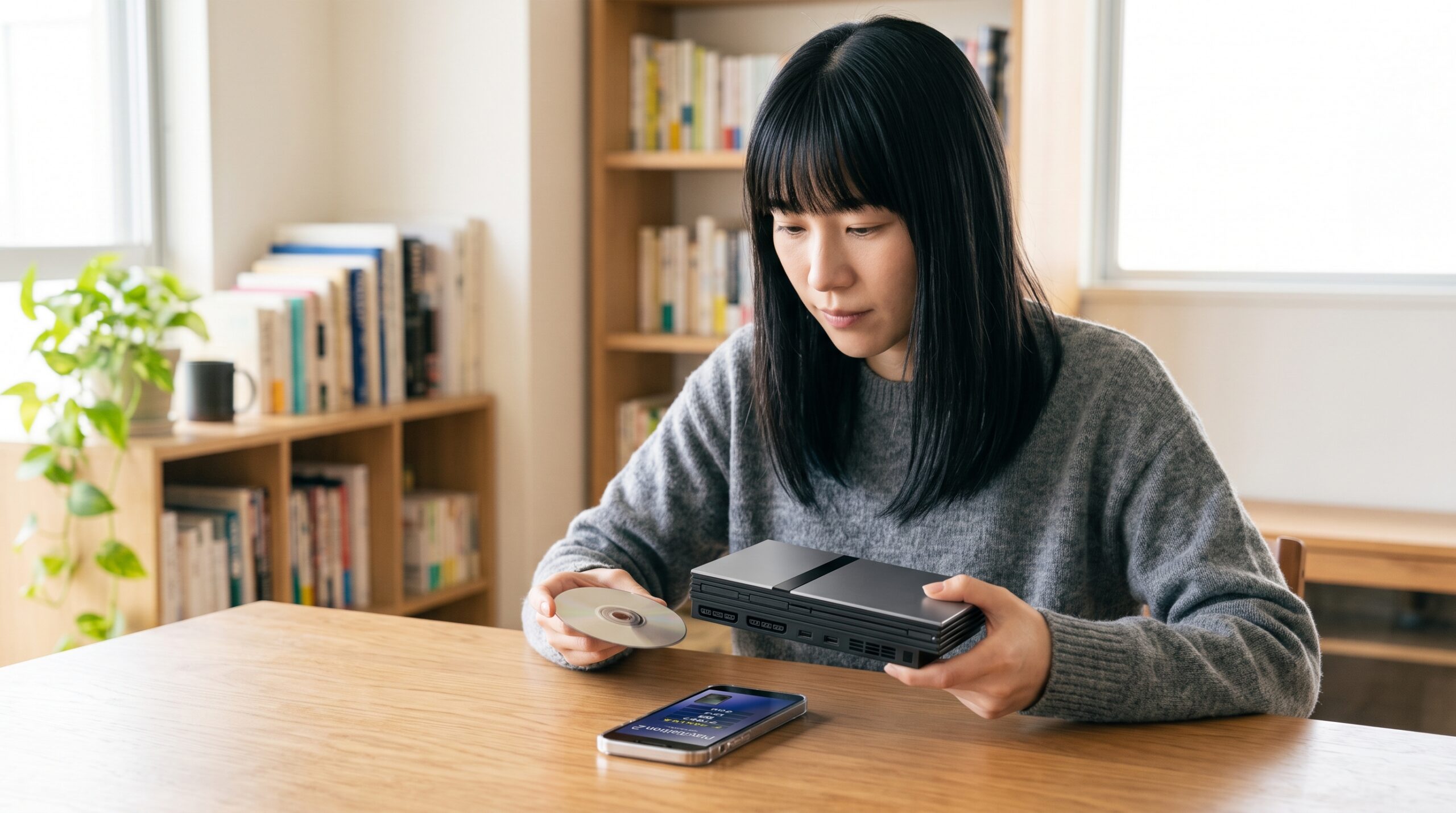
The workflow that keeps you clean is simple to state: dump the BIOS from a PS2 you own, and dump the discs you own yourself. BIOS extraction is done on the console itself with a homebrew dumping tool; disc images are made from your own discs on a PC drive. This site does not link to, name, or describe any distribution source for BIOS files or ROMs, and you should be suspicious of any guide that does.
One caveat worth stating plainly: personal-use dumping rules differ by country, and the legal picture in the US, Canada, the UK, and the EU is not identical. Check what applies where you live rather than assuming a forum post covers you.
Installing NetherSX2 and getting through first-run setup
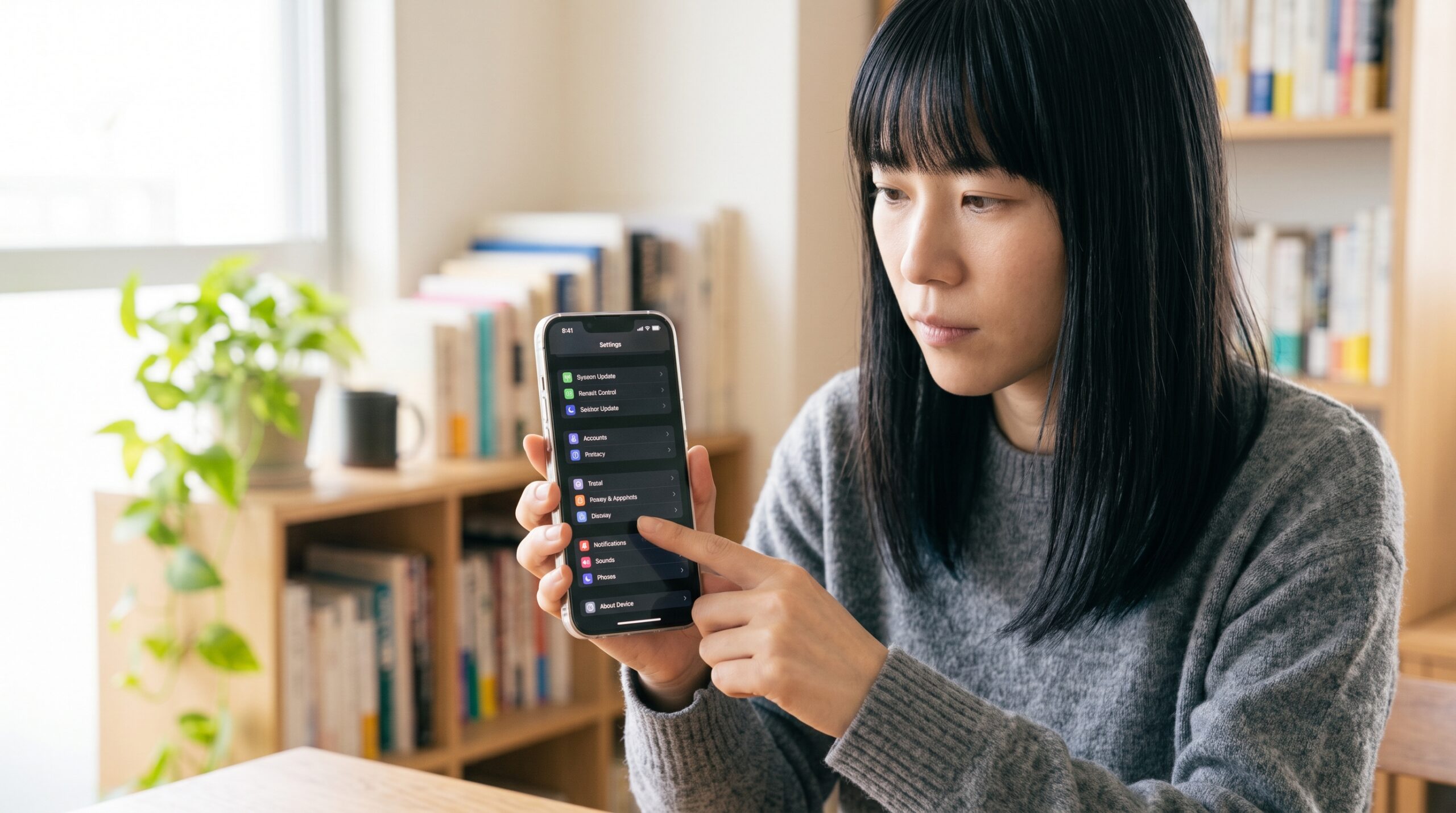
Setup is three steps, and you only do it once. After that, launching a game is two taps.
- Get the app. NetherSX2 is published through Trixarian’s official GitHub releases. Use that source only. You will see two builds: Classic, which prioritizes stability, and Standard, which carries newer features. Start with Classic — it is the better baseline for figuring out whether a problem is your settings or the build.
- Register your BIOS. The first-run wizard asks for the folder containing the BIOS files you dumped from your own console. Once the BIOS is recognized, roughly 80% of the setup work is behind you.
- Point it at your game folder. Add the directory holding your own disc images to the game list. When cover art and titles populate, you are done.
At this point games will boot. The next section is where the actual performance lives.
The graphics settings that actually matter
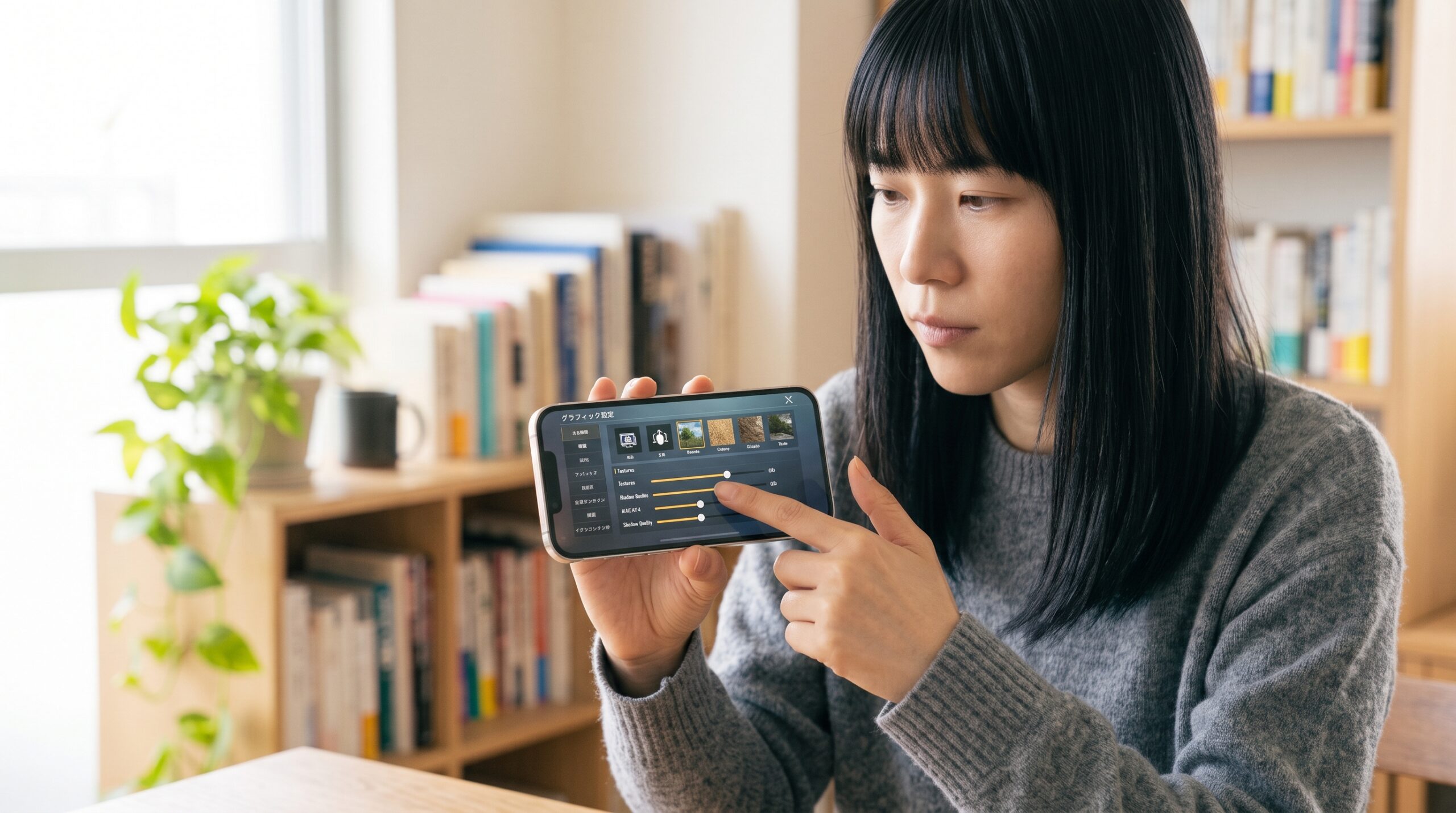
Three settings decide most of your experience: renderer set to Vulkan, internal resolution started low, and the frame limiter left on. Miss these and even a fast phone will stutter or render incorrectly.
- Renderer: Vulkan. It outperforms OpenGL in most scenes and the gap is widest on Mali-based devices. If one specific game shows graphical glitches, switch that single game to OpenGL and compare — don’t change your global setting because of one title.
- Internal resolution: confirm stability at 1x (native) first, then raise to 2x or 3x if you have headroom. This is the number one cause of “my phone can’t handle PS2.” Even on a flagship, treat around 3x as a sensible ceiling — PS2 games were authored for 480i, and the returns flatten fast.
- Aspect ratio: 4:3 is the accurate default. Widescreen patches exist for supported titles if you want them, but they are per-game and optional.
- Frame limiter: on (60/50 fps). Capping the frame rate cuts heat and battery draw and makes frame pacing feel noticeably more consistent than letting it run unlocked.
- MTVU (Multi-Threaded VU1): on. This speed hack spreads work across cores and helps a meaningful number of games. If a specific title misbehaves, turn it off for that title only.
The right order is always: get it running light, confirm it’s stable, then raise image quality a step at a time. Starting at maximum settings makes it impossible to tell what broke.
When games stutter: fixes in order of likelihood

Slowdown almost always traces to one of four things: resolution set too high, thermal throttling, a device that isn’t fast enough, or a single game with a compatibility quirk. Work down in that order and you’ll usually land on it within a few minutes.
- Drop the internal resolution. Go 3x → 2x → 1x and note where it smooths out. Most “unplayable” reports end here.
- Deal with heat. After 15–30 minutes of sustained load, phones downclock to protect themselves and your frame rate falls off a cliff. See the throttling section below.
- Toggle MTVU. Its effect is genuinely game-dependent and occasionally inverted. On a problem title, test both and keep the faster one.
- Close background apps and turn off battery saver. Any power-limiting mode caps the CPU well below what the emulator needs.
- Use per-game settings. NetherSX2 stores configuration per title, so you can give one stubborn game a different renderer or resolution without compromising your global profile.
Thermal throttling: why the first ten minutes lie to you
This is the failure mode that catches people who benchmark for five minutes and declare a device perfect. PS2 emulation is a sustained, single-thread-heavy load — the worst possible workload for a thin phone with no fan. A flagship that holds 60 fps at launch can be running 15–25% slower half an hour later, and nothing in the emulator will tell you that’s what happened.
Three things help, in descending order of effectiveness: a clip-on active cooler (the Peltier-style ones make a real difference and are the reason long sessions stay stable), capping the frame rate so the chip isn’t sprinting for headroom you can’t see, and taking the case off during long sessions. Dedicated Android handhelds with actual fans — the Odin and AYANEO Pocket families — sidestep this problem almost entirely, which is a large part of why they’re worth the money over a phone with equivalent silicon.
Hardware: SoC tiers, handhelds, and gear worth buying
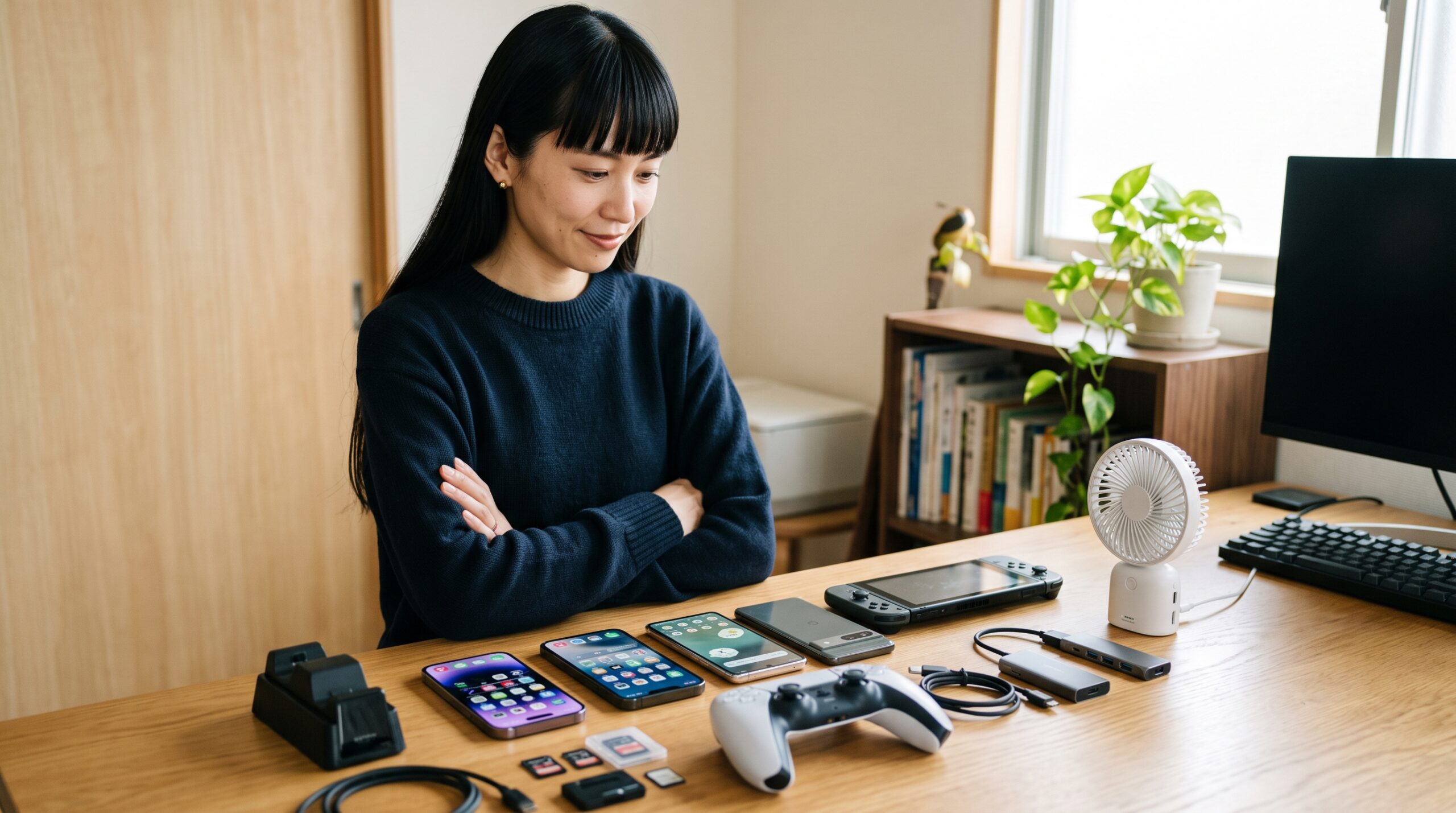
PS2 emulation is unusually sensitive to single-core CPU speed, which means the generation of the SoC matters far more than the core count or the marketing tier. Here’s roughly what to expect:
| SoC tier | What to expect | Best suited to |
|---|---|---|
| Snapdragon 8 Elite / 8 Gen 3 / 8 Gen 2 (flagship) | Nearly the whole library runs well, including heavy 3D at upscaled resolution | Playing with the visuals turned up |
| Snapdragon 888 / 870 / 865 | Most games run well; the heaviest titles want 1x resolution | The value sweet spot, and what most handhelds use |
| Snapdragon 845-class (practical floor) | Light and mid-weight titles are fine; heavy 3D only with settings dialed back | 2D classics and lighter 3D |
| Mali-based MediaTek / Exynos (incl. Dimensity 9000 series) | Vulkan is mandatory; temper expectations against a same-generation Snapdragon | Start with lighter titles and work up |
Dedicated Android handhelds vs. your phone
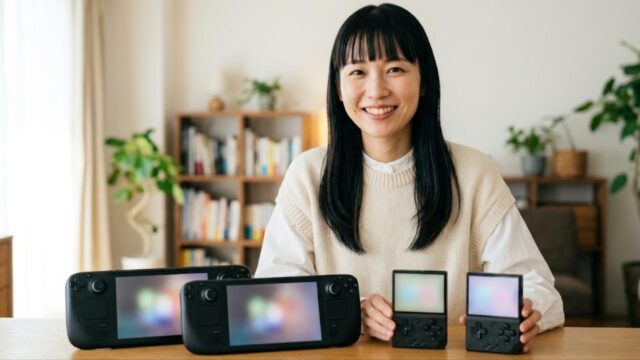
If you’re buying hardware specifically for this, a dedicated Android handheld beats a phone for three reasons: real analog sticks and shoulder buttons, active cooling that survives a long session, and a form factor you can hand to someone else. The tradeoff is that handheld silicon usually trails current flagship phones by a generation or two.
| Class | Typical SoC | Rough street price (USD) |
|---|---|---|
| Retroid Pocket 5 / Mini / Flip family | Snapdragon 865 | around $200–260 |
| AYN Odin 2 family (incl. Portal, Mini) | Snapdragon 8 Gen 2 | around $300–420 |
| AYANEO Pocket family (S, ACE, DMG) | Snapdragon G3x Gen 2 | around $400–560 |
| Flagship phone + telescoping controller | Snapdragon 8 Gen 3 / 8 Elite | you likely already own the phone |
For PS2 specifically, the Snapdragon 8 Gen 2-class handhelds are the point where you stop thinking about settings. The 865-class devices are still an excellent buy — they run the large majority of the library at 1–2x — but you’ll be dialing things back on the heaviest titles.
Three accessories that punch above their price
Ranges below are ballpark figures from typical online retailers, not quotes. Prices move.
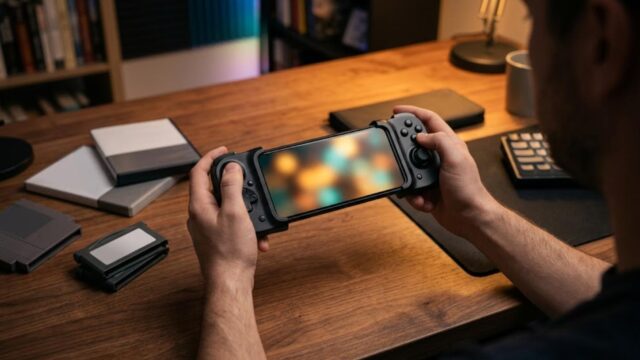
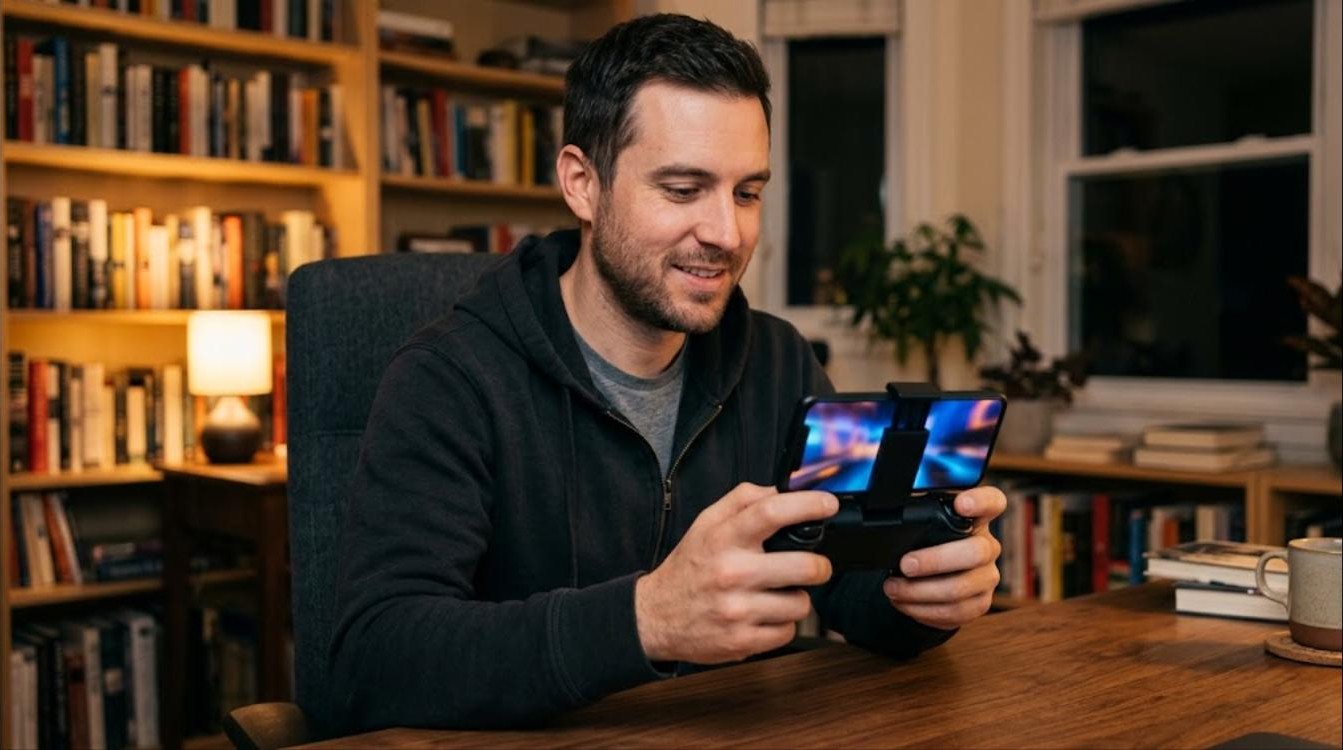
- Telescoping mobile controller — around $30–90. The single biggest quality-of-life upgrade if you’re playing on a phone. Action and racing games are essentially unplayable on a touch overlay.
- Clip-on active cooler — around $25–60. Directly addresses the throttling problem above and is what makes multi-hour sessions hold their frame rate.
- High-speed microSD (A2 / V30 rated), 256GB–1TB — around $25–90. Disc images run several gigabytes each, so a modest library fills a card quickly. Sustained read speed matters more than the headline number.
Getting your controller set up right

Roughly half of how good this feels comes down to input. NetherSX2 supports Bluetooth and USB-C wired controllers, and you map the buttons once in settings — the profile then applies across your library. Wired is worth considering if you’re sensitive to input lag; Bluetooth latency is fine for most genres but noticeable in rhythm and fighting games.
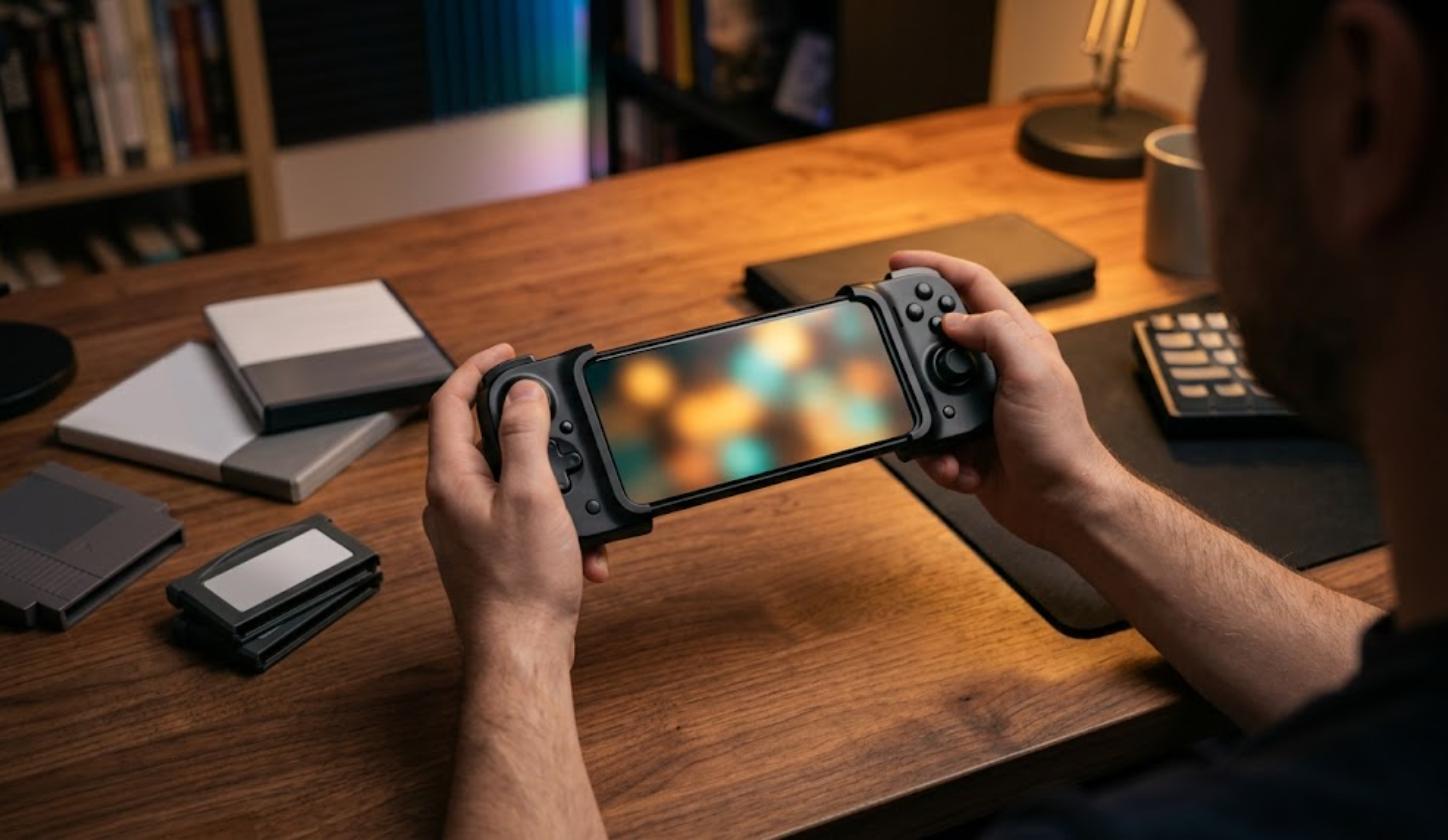
A telescoping grip that clamps around the phone is the most portable option and works well on the couch or in transit. If you already own an Xbox or DualSense controller, both pair over Bluetooth and work without extra software, though you’ll want to double-check the analog-stick deadzone settings — worn sticks that feel fine on a console will drift visibly in an emulator.
FAQ

Q. AetherSX2 or NetherSX2?
A. NetherSX2 if you’re starting now. AetherSX2 development ended in 2023 and NetherSX2 is the maintained continuation. Begin with the Classic build for stability, then try Standard once you have a working baseline.
Q. Is it free?
A. NetherSX2 itself is free and ad-free. What it costs you is the console and discs you need to own in order to supply your own BIOS and game data legally.
Q. How fast does my device need to be?
A. Snapdragon 8-series is the comfortable target. On a budget, an 865/870/888-class device still runs most of the library well. Below roughly Snapdragon 845, expect to compromise heavily.
Q. Can I play online?
A. Community-run servers exist and are reached through a DNS configuration, but which games work and how stable they are varies enormously by setup. Get single-player running smoothly first — that’s the part that reliably works.
Q. Why does audio crackle even at full speed?
A. Usually because the frame limiter is off and frame pacing is uneven, or because the device is throttling. Cap the frame rate first, then address cooling.
Wrap-up: stable first, pretty second

The fastest path to playable PS2 on Android: install NetherSX2 from the official GitHub releases, supply BIOS and game data dumped from your own console and discs, set Vulkan and native resolution and confirm it’s stable, then spend whatever headroom you have left on image quality. When something slows down, lower the resolution before you touch anything else, and handle heat before you blame the emulator.
On hardware, a Snapdragon 8-series chip is the target and roughly Snapdragon 845 is the floor. Add a physical controller, active cooling, and a roomy fast microSD card, and a phone or Android handheld turns into a genuinely good way to replay a library you already own.

コメント