



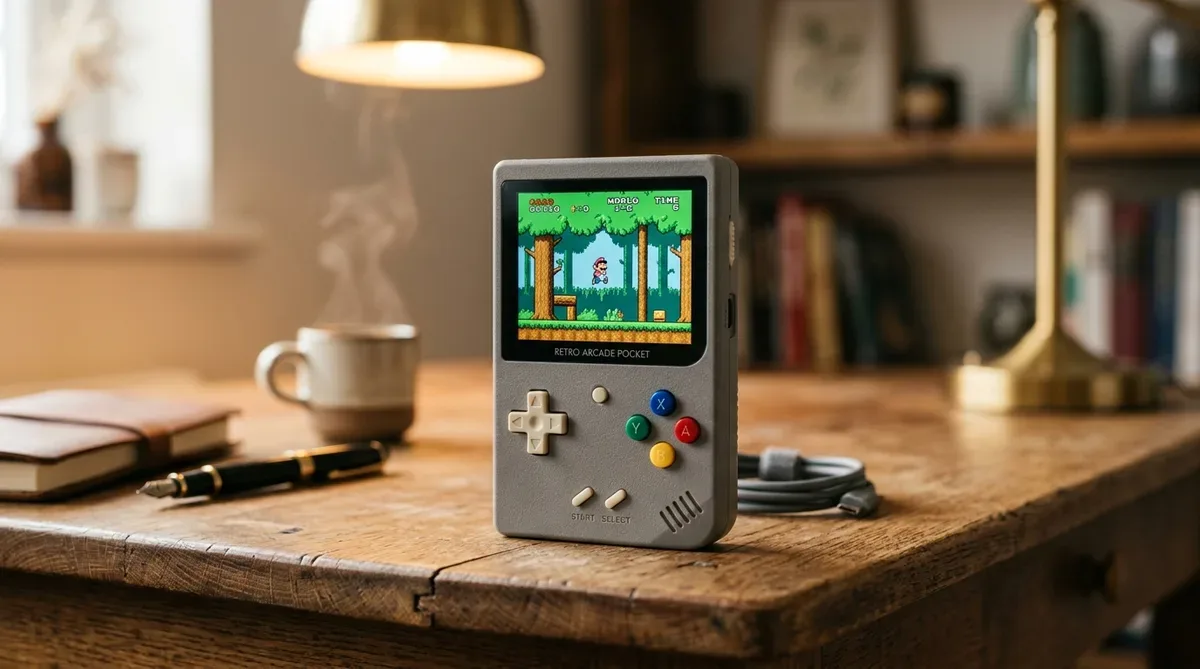
The palm-sized vertical handheld device “Miyoo Mini Plus”, featuring a Game Boy retro design and outstanding portability, has become a massive hit among retro gaming fans worldwide.
Immediately replacing the unbranded stock MicroSD card with a reliable brand like SanDisk, formatting it to FAT32, and installing the custom firmware “Onion OS” will transform your Miyoo Mini Plus into the ultimate portable retro gaming handheld.
[Preparation] Critical MicroSD Card Steps Right After Buying Miyoo Mini Plus

Stock Unbranded MicroSD Cards Have High Failure Rates! Replace with a Reliable Brand
The black unbranded MicroSD card bundled in the package has extremely low durability. Replace it immediately with a trusted brand like SanDisk or KIOXIA (64GB to 128GB).
| MicroSD Card Type | Durability & Quality | Save File Safety | Recommendation |
|---|---|---|---|
| Bundled Unbranded SD Card | × Extremely Low | ★☆☆☆☆ (High Risk) | Initial Power Check Only |
| SanDisk / KIOXIA MicroSD | ◎ Extremely High | ★★★★★ (Very Safe) | Daily Use & Permanent Save Storage |
FAT32 Formatting Requirements
Always use tools like “GUIFormat (fat32format)” to format 64GB+ cards to “FAT32”.
[Step-by-Step] Onion OS Installation & Language Setup

- Download Onion OS: Download the release zip from official GitHub and extract all files onto your FAT32 MicroSD root.
- Install on Console: Insert SD card into Miyoo Mini Plus and power on. Wait until progress completes.
- Language Setup: Navigate to [Apps] ➔ [Language] to select your language.
Essential Onion OS Shortcuts for Gameplay Comfort

- [Menu Button] + [Select]: Quick Save
- [Menu Button] + [Start]: Quick Load
- [Menu Button] + [Volume (+/-)]: Adjust brightness
- [Menu Button] + [R2]: Fast-Forward speed
コメント