








More and more gamers are looking to relive nostalgic PlayStation 2 (PS2) masterpiece titles on large PC monitors with smooth 60fps high-definition graphics. The go-to emulator for running PS2 games on PC with high fidelity is “PCSX2”.
According to our blog’s GA4 analytics data, much of our 22.6k monthly PV is concentrated on graphic enhancement and setup know-how for PS2 and Wii emulators. In this article, we provide a clear, in-depth guide covering PCSX2 graphics optimization, resolution upscaling, and performance-boosting settings to eliminate stuttering.
1. What is PCSX2? Features and Recommended System Requirements
PCSX2 is the premier open-source PS2 emulator that continues to be actively developed.
🔗 Related Article You Might Like
[2026 Latest] Dolphin Emulator Setup Guide & Wii 4K Graphics Enhancement
It far surpasses the original PS2 console resolution (480i/480p), rendering game screens in ultra-high resolutions such as Full HD (1080p) or 4K (2160p). Additionally, it offers widescreen support, save state slots, and other features for a gameplay experience even more comfortable than on real hardware.
2. Recommended Settings for Upscaling PS2 Games to 4K
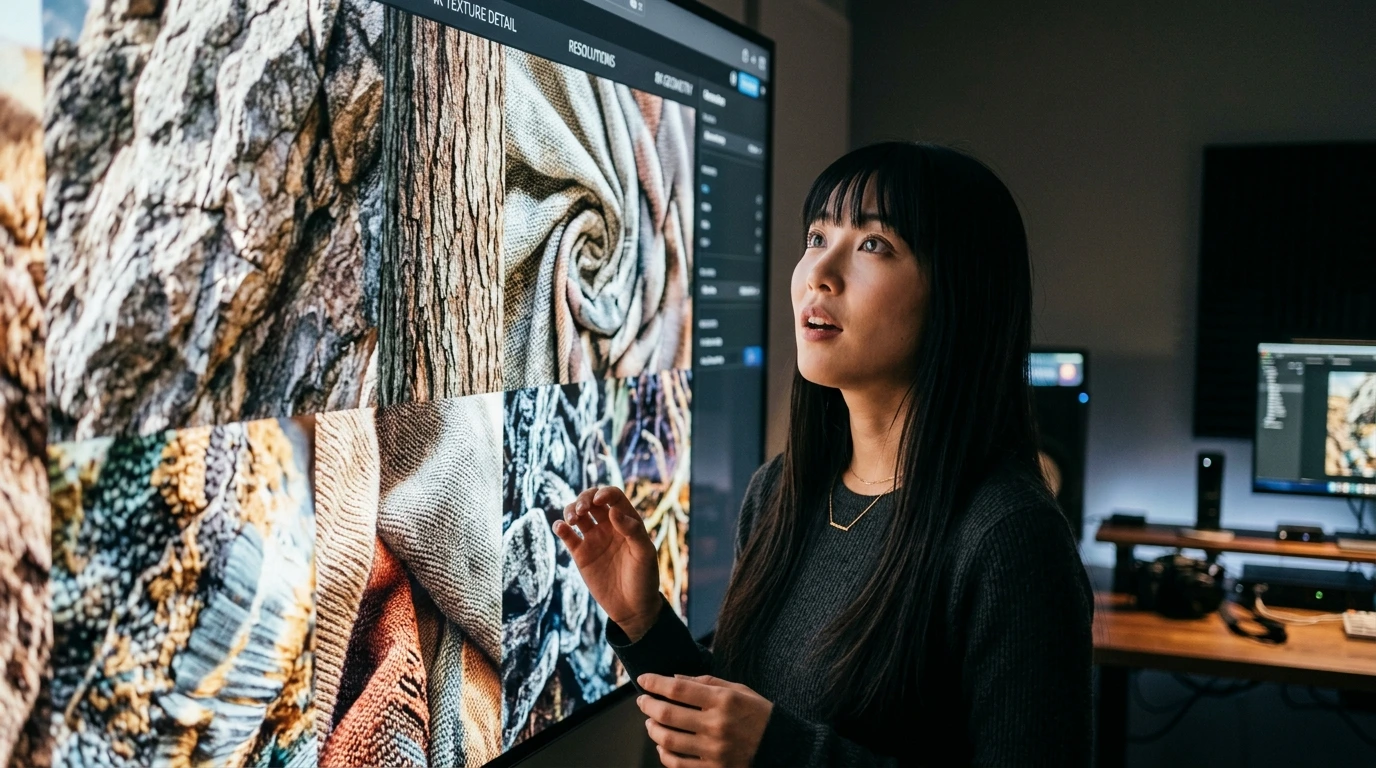
Key graphics settings to keep in mind for PCSX2 include:
- Renderer Selection: Selecting “Vulkan” or “Direct3D 11/12” on modern GPUs reduces rendering load and delivers a stable framerate.
- Internal Resolution Multiplier: When playing on a 4K monitor, set this to “4x Native (~1440p)” or “6x Native (4K)”.
- Texture Filtering: Changing from “Bilinear (PS2)” to “Bilinear (Forced)” makes 3D model surfaces significantly sharper.
3. Speedhacks to Prevent Frame Drops & Controller Setup Tips

Techniques for improving performance in heavy titles or when system resources struggle to keep up:
- Utilizing Speedhacks: Properly adjusting “EE Cyclerate” and “Cycle Skipping” can significantly lower CPU load to get closer to a stable 60fps.
- Connecting DUALSHOCK 4 / DualSense: Connect your modern controller via USB or Bluetooth, and automatically map button layouts in Pad Settings.
4. Rediscovering Classic Retro Games with Modern Emulation
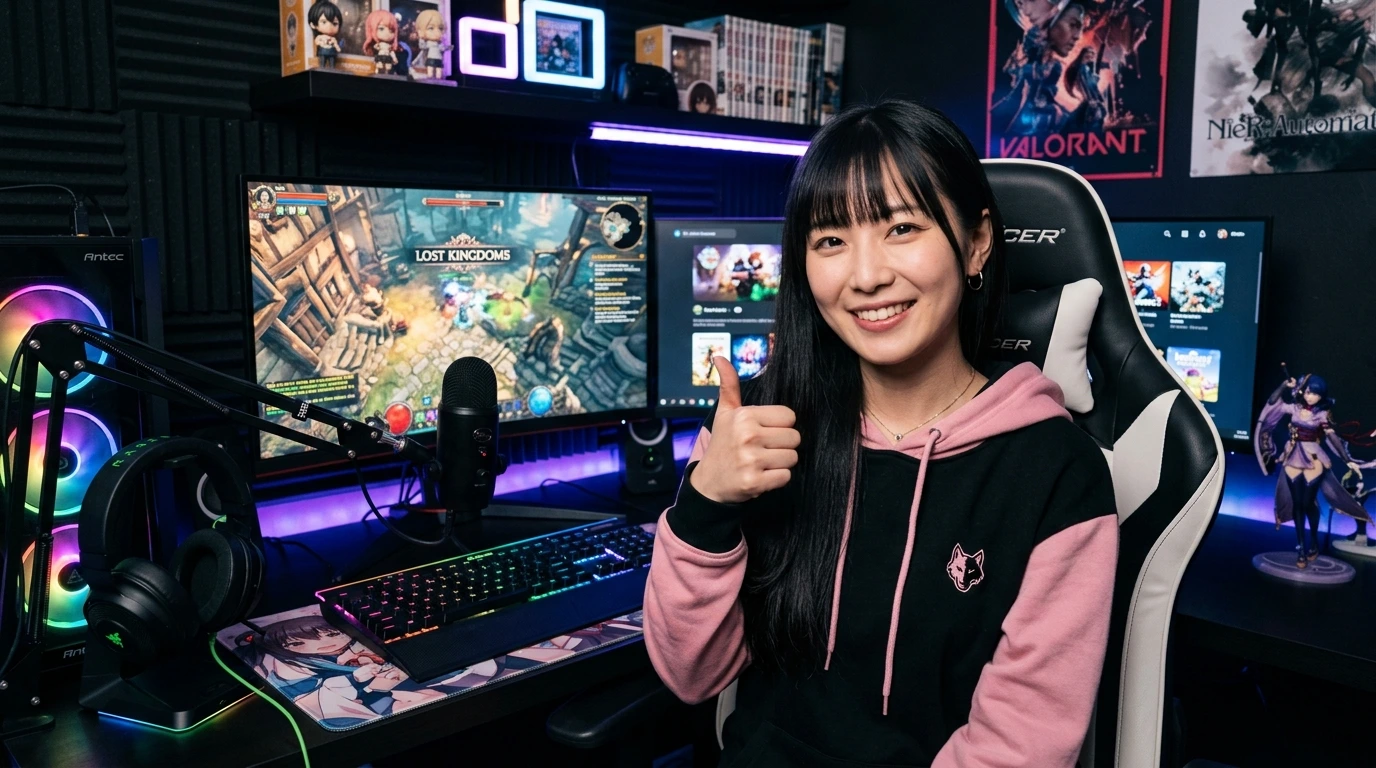
With proper settings, graphics from that era revive with astonishing clarity, allowing you to discover new details and excitement even in games you completed long ago.
5. Conclusion: Enjoy the Ultimate PS2 Gaming Experience with PCSX2
Configure the latest PCSX2 correctly and enjoy your favorite nostalgic titles to your heart’s content on a large PC screen with clear audio and crisp graphics.
コメント